Does Googlebook support work profile yet?
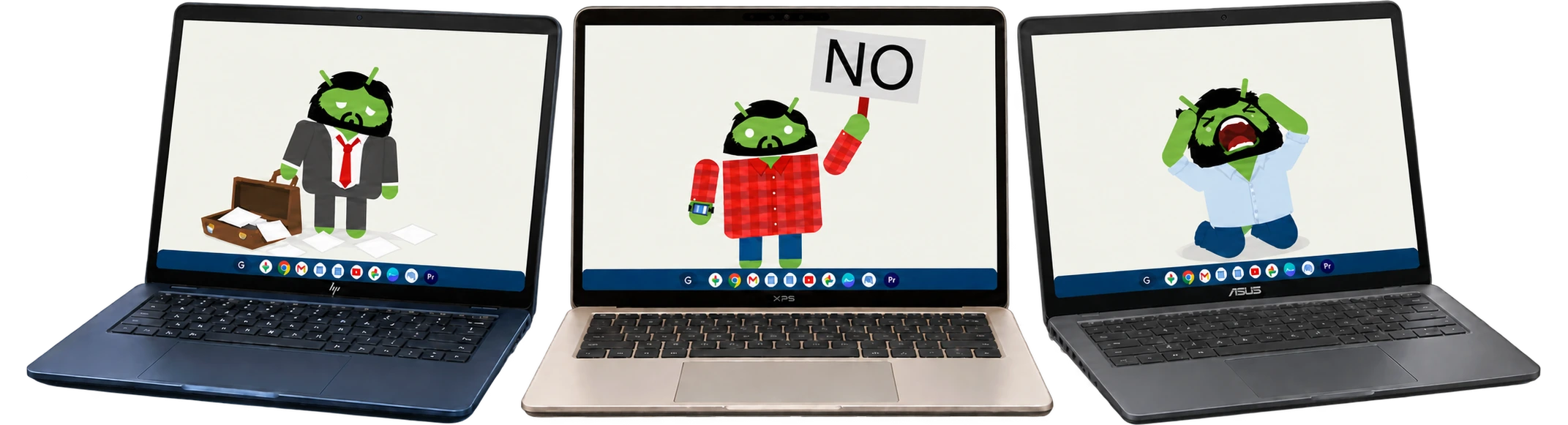
No, not yet. It has been:
What is Googlebook?
Googlebook is Google's new laptop range, running Googlebook OS. It brings the Android technology stack together with desktop foundations from ChromeOS: native Android apps, desktop Chrome with extensions, phone integration, an isolated Linux environment, and plenty of Gemini.
It's the platform we've been following as Aluminium. Google's launch announcement put the first devices on sale on 4 October 2026 in the US, followed by the UK and several other markets on 5 October.
I've been writing about what that means for enterprise, and what I'd like from it. Work profiles are fairly near the top of that list. Hence the counter (I've done this before).
What can it do for work today?
As of , Google's account guidance says separate work profiles and device management aren't supported. You can add a work or school Google account if your organisation permits it, or create a separate device user. Chrome browser policies can also apply.
That leaves the device unmanaged, and doesn't provide managed Google Play. Google also says accounts requiring a third-party Enterprise Mobility Management (EMM) platform are blocked from signing in. For an organisation already managing Android through its EMM, that's a fairly substantial catch.
Google's published roadmap puts the first wave of core management capabilities in H2 2027, with a phased rollout. It doesn't give a specific work-profile release date.
Why I'd like a work profile on my laptop
An Android work profile gives work its own applications, accounts and data alongside personal apps in the same user's session. On a personal device, the organisation manages that work area while my personal apps and data stay private. I can use both without switching to another device user.
Work apps, appropriately managed
The EMM can deploy approved apps through managed Google Play, configure them and apply work security policies. No more running work apps alongside personal apps in the same profile, a DLP nightmare.
Personal data remains private
Work data has its own managed space. On a personally owned device, the employer doesn't get visibility into personal apps and data. Here's what an employer can see.
Work apps can be paused
Employees can pause the work profile at the end of the working day, stopping work apps and their notifications.
Work data can be removed
When an employee leaves an organisation, the work profile can be removed from their personal device, taking the local work apps and data with it. Personal files remain intact. More on removing a work profile.
Android has had work profiles since Android 5.0. Google's own explanation describes the separation and privacy they provide. For a laptop built on Android, I'd have liked that to come across from the start.
There is more to do for a desktop, of course. Browser windows, file pickers, clipboard, phone integration, Linux and assistant access all need to respect the work boundary. I've covered those requests in the enterprise wishlist. For this counter, I'm starting with supported Android Enterprise work-profile enrolment.
How to accelerate work profile support from Google
If you'd like work profiles on your Googlebook, tell Google through the Feedback app on the device. Explain which work apps and accounts you need to keep separate, and how the missing support affects what you can do with it.
- Open Feedback. Find the app in your launcher, or press Action + Ctrl + Backspace. The Action key has Google's G icon. You can also hold the power button for 3 seconds and select Feedback.
- Describe your use case. Ask for Android Enterprise work profiles, with work apps, accounts and data available alongside your personal apps in the same user's session. Say whether it's your own laptop or one supplied by your organisation.
- Include the details. Add your Googlebook model, OS version and any enrolment error. If your organisation already uses an EMM, name it and explain what you need to enrol or access.
- Review and send. Search for work profile in the category field and choose Account > Can't add work profile, then select Next. You can opt in to email follow-up and attach a screenshot where it helps. Review the report, including any diagnostic information, then select Submit.
For example, adapt this to your own situation:
Please add Android Enterprise work profile support to Googlebook. I'd like to enrol a work profile through my organisation's EMM and use separately managed work apps and accounts alongside my personal apps, without switching device users. At the moment, I'm unable to keep my work apps and data in a managed work profile on this laptop.
Google's feedback instructions cover the available options. Guest users and accounts belonging to minors can't submit feedback through the app.